DW-VP16xT8P

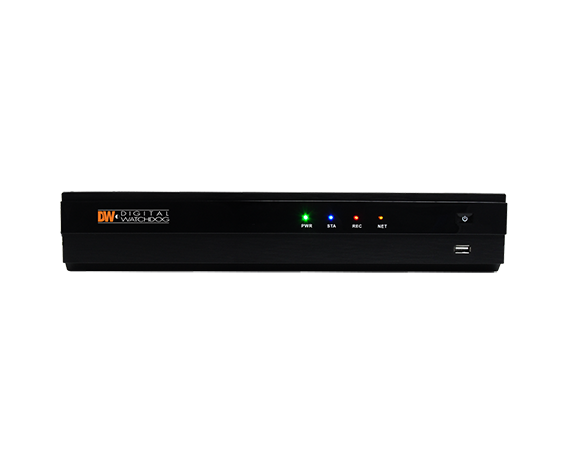
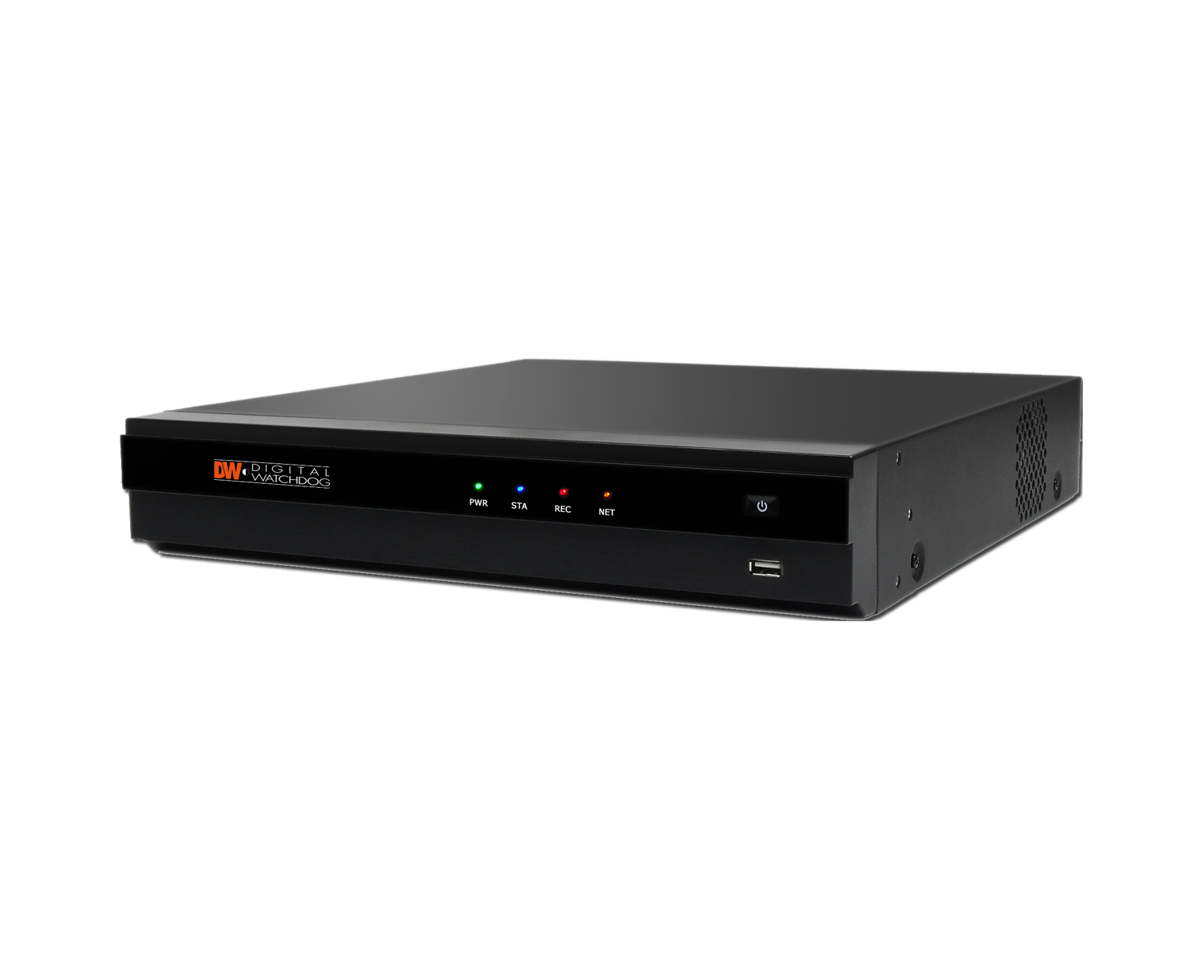
The VMAX® IP Plus™ is an easy to use to use PoE NVR that allows you to go from power up to monitoring in less than three minutes! The NVR offers unique features such as CCIP™ camera encryption and internal systems diagnostics, keeping your system healthy, secure and up to date. Combine with the DW Witness™ app to turn the camera on a smartphone or tablet into a surveillance camera that can be viewed and recorded on the NVR.

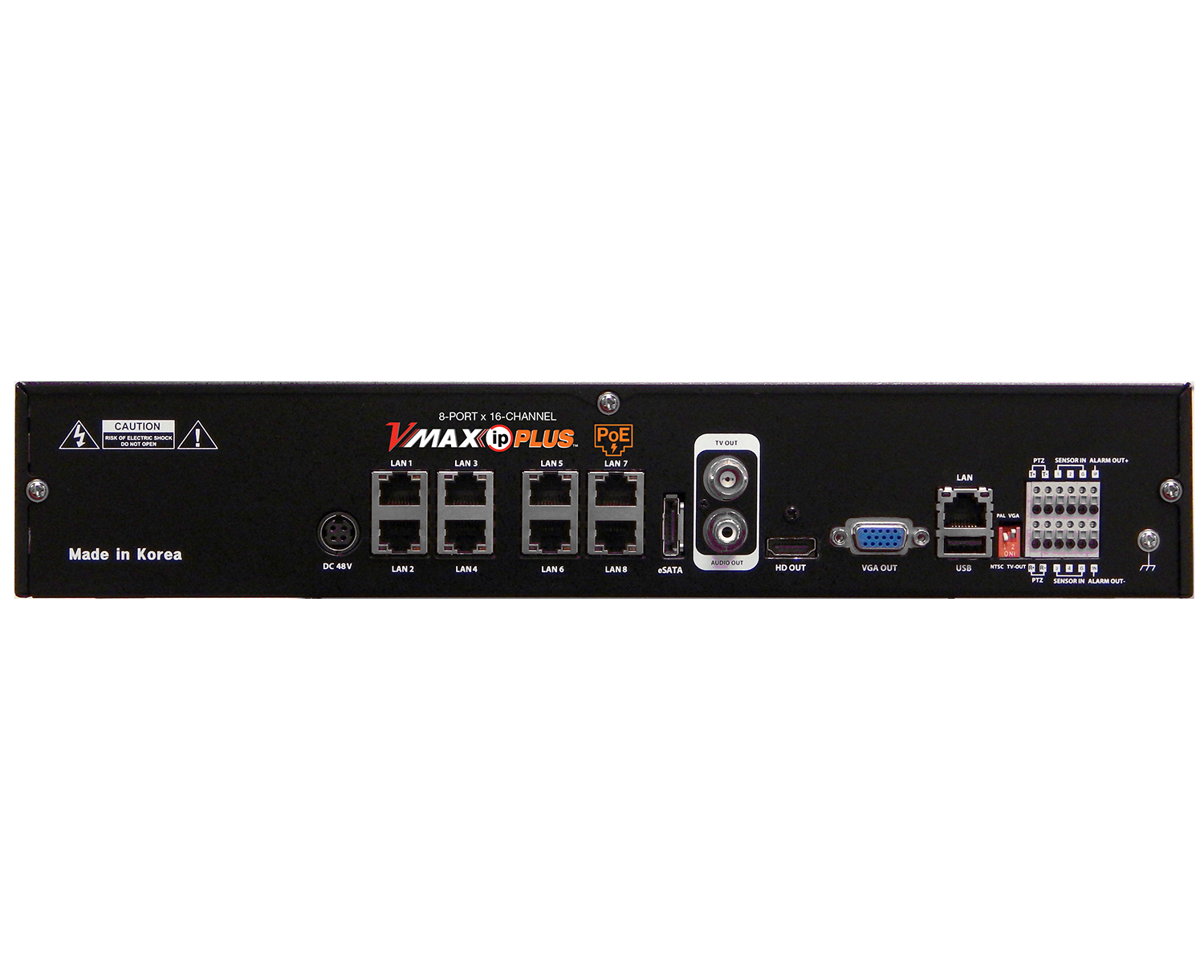
Available with 8 PoE ports (expandable to 16 cameras), the NVRs can record and manage single-sensor IP cameras up to 5 Megapixel, with 80Mbps maximum throughput. Recommended app: VMAX®Plus App
To download the app, search ‘DW®’ or 'VMAX Plus' in the Google Play Market or Apple App Store or click any of the links below:



         
DISCONTINUED
Features
  • Simple and Easy to Navigate VMAX GUI for the most User-Friendly Solution on the Market
  • Complete Installation, Setup and Camera Configuration in under Three Minutes!
  • Control any ONVIF Camera’s Setup and Features Remotely
  • DW Witness™ turns a smartphone or tablet into an additional surveillance camera
  • Pathfinder™ Auto Port Forwarding
  • Record and manage single-sensor IP cameras up to 5MP (2592x1920), with 80Mbps maximum throughput (equivalent to 16 2.1MP IP cameras)
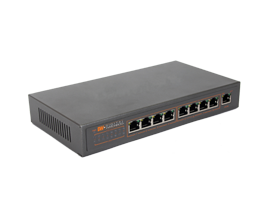
  • Local Power for up to 8 IP Cameras via Resident PoE Switch
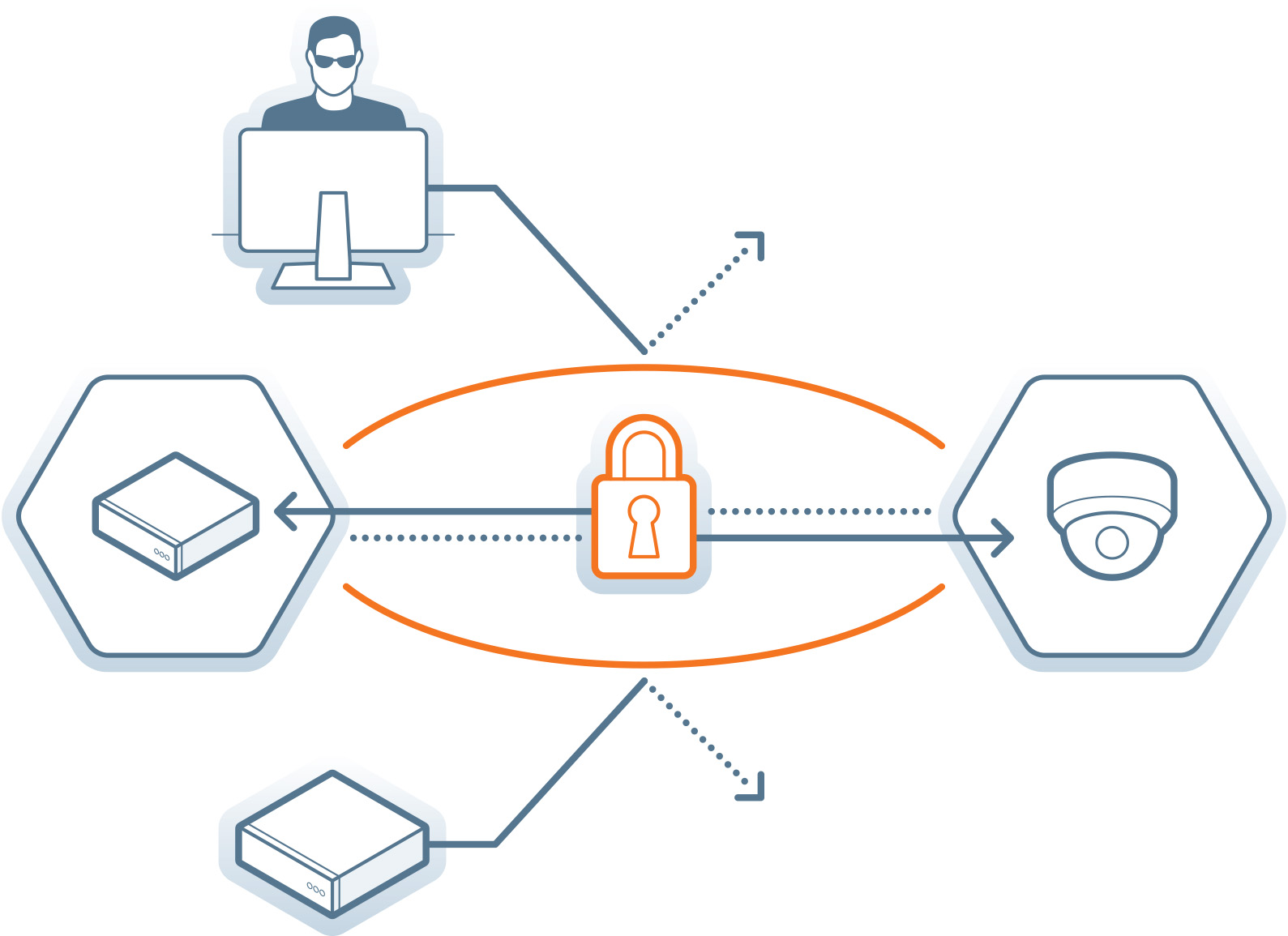
  • CCIP™ System Encryption Protects Your Surveillance System from Out of Network Attacks
  • Pivot™ Remote Monitoring Software
  • Mobile Application for iPhone, iPad, iPod, Android Smart Phones and Tablets and Apple TV
  • Automatic Device Discovery
  • Dual Stream Recording
  • Easy Drag and Drop Camera Management
  • Instant Backup During Playback
  • Full HD (1080p) Output for Local Live & Playback Display
  • Complete System Analysis with Real-Time System, Network and PoE Status Monitoring
  • True HD & VGA Simultaneous Output Support
  • Show More

Learn about how DW
solutions can work for you

View All Markets

CCIP™ System Encryption

The CCIP™ (Closed Circuit IP) encryption is activated when the VMAX IP G4™ system sends a request for an encrypted stream from the camera. The camera then encrypts its RTSP stream a second time using TLS, using the encryption's user ID and password. The result is a secured and encrypted RTSP stream that can be read only by the requesting recorder.
See all compliant cameras.

3-minute installation

The entire system can be set up and configured in less than four minutes from power-up. Using the user-friendly startup wizard, configure the NVR’s main functions, locate and register all your cameras and set them to record in less than four minutes and with no need for a technical background!

Part Numbers

Model #

Supported Cameras

Storage Size

DW-VP163T-8P
Up to 16 5MP IP Cameras
3TB
DW-VP164T-8P
Up to 16 5MP IP Cameras

4TB
DW-VP166T-8P
Up to 16 5MP IP Cameras

6TB 
DW-VP168T-8PUp to 16 5MP IP Cameras
9TB 
DW-VP1612T-8PUp to 16 5MP IP Cameras
12TB

Accessories

DWS-myDW12M16C
DWS-myDW12M16C myDW Surveillance Health Monitoring | Cloud-Based System Alerts & Clip Sharing – Digital Watchdog
Learn more
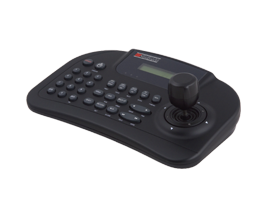
DW-KB100
DW-KB100 System Control Keyboard | NDAA Compliant Surveillance Accessory | Digital Watchdog
Learn more
DW-VR19E
DW-VR19E
Learn more
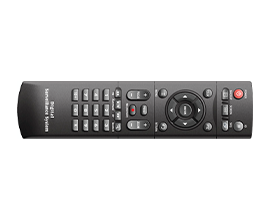
DWSP-VACREMOTE
Remote control for VMAX recorders
Learn more
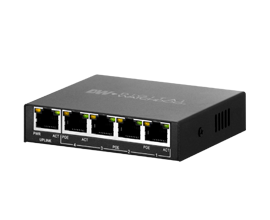
DW-POE496M
PoE switch - 4 channels
Learn more
DW-POE896M
PoE switch - 8 channels
Learn more

Documents

Title Type
VMAX IP Plus 16 Channel 8-PoE Datasheet
pdf Download
2nd Gen VMAX IP Plus QSG
pdf Download
2nd Gen VMAX IP Plus Manual
pdf Download

Software

Title Type Release Notes Version Update Date Compatibility Size
1st gen DW-VP16xT8P firmware v1.4.1.1 bin - v1.4.1.1 10/26/2020 HWID: hn-62xx 33.91 MB Download
Remote Client for MAC for VMAX IP Plus v2.3.11 zip - v2.3.11 05/25/2016 VMAX IP Plus 3.17 MB Download

Compare Products to
Find Your Perfect Match.

Get Started

How to Buy

DW® products are sold and expertly installed by our trusted partners.
Want to buy DW® products?
Find authorized DW sales representatives of DW® products and systems.
Find a Reseller
Schedule a demo
Let us show you why DW has the perfect solution for your business.
Schedule a Demo
Become a partner
Are you a reseller, distributor, system integrator or installer? Find out how to become one!
Become a Partner

Support and Resources

Get help from Digital Watchdog’s Technical Support professionals. Quickly find and download information about our products, including manuals and documentation to install and get the most from your investment in video surveillance.
Downloads
Search and download the latest software, firmware and documentation for DW products
Learn More
Contact Support
Can’t find what you are looking for? Contact DW’s support for help.
Learn More
FAQs
Access a wealth of support articles for common issues in our knowledgebase library.
Learn More